MicroScanner™ Cable Verifier Series


Product Highlights
The technician’s tool for installing and troubleshooting Ethernet devices.
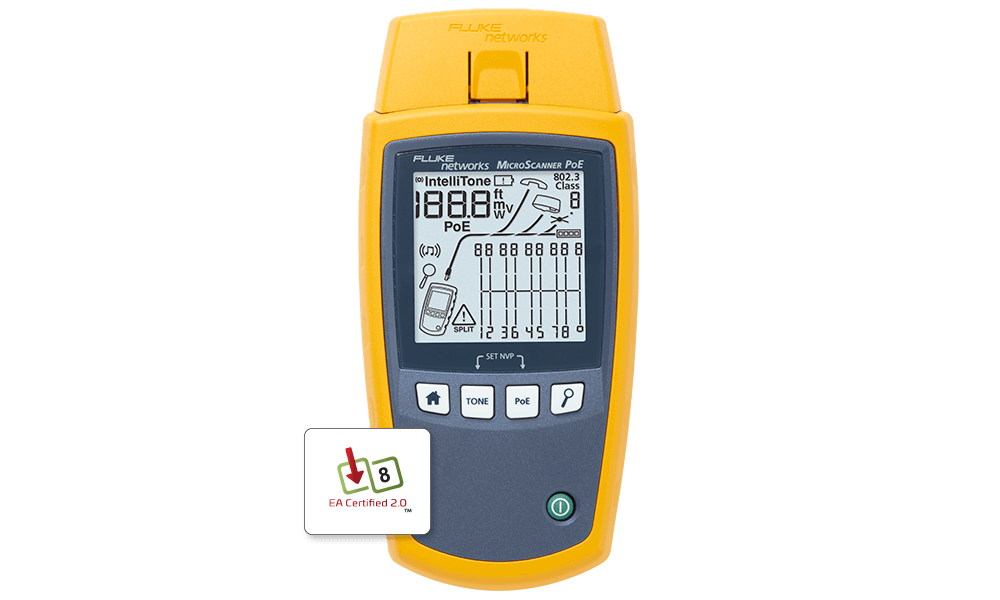
MicroScanner PoE Capabilities:
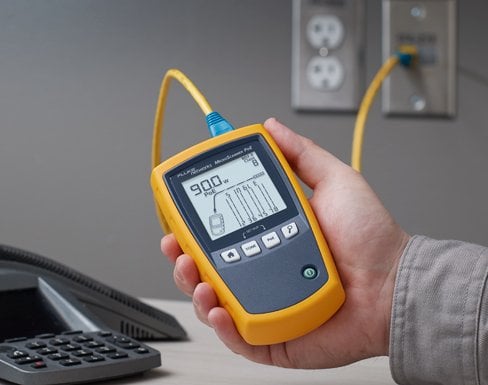
- Quickly determine if a problem is caused by a bad or unconnected cable, insufficient power, or a Powered Device (PD).
- Ethernet Alliance Certified to IEEE-802.3™ PoE standards for reliable multivendor interoperability
- Information for the Network Engineer to investigate potential switch configuration or malfunctions.
- PoE Switch Verification – Determine if a switch port can provide enough power by reporting PoE class (0-8).
- Powered Pairs – Graphically identifies powered pairs. Including Dual Signature where the switch port delivers power on 2 or 4 pairs (802.3bt or PoE ++)
- Active Switch Detection - Determine if a cable is connected to a switch port and port speed up to 10G
- Cable Testing – Identify any shorted, open or crossed wires at both ends, length of each pair, and send tones to find cables.
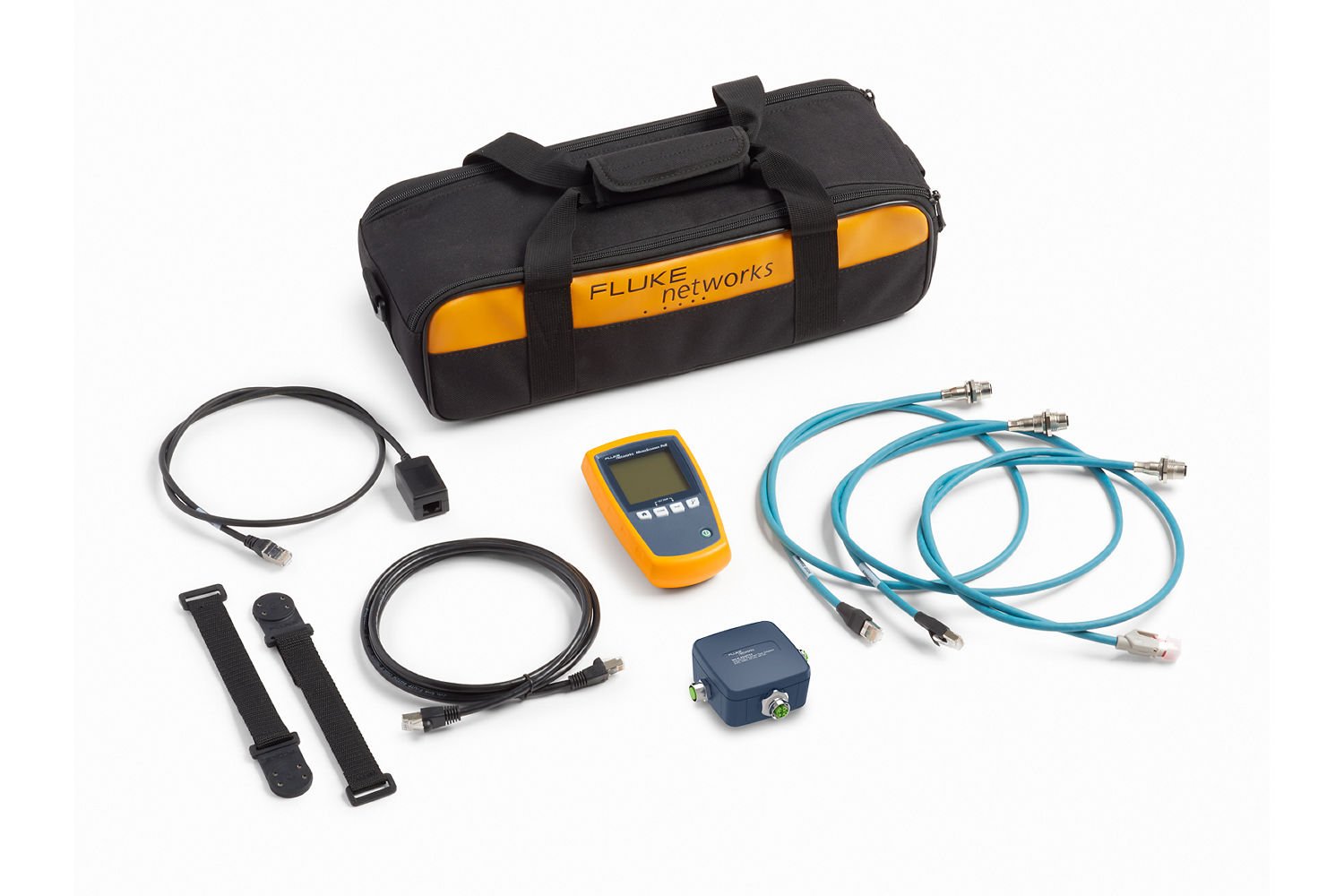
- Validate and troubleshoot your Industrial Ethernet copper cabling
- PoE Injector verification - Display injector voltage level View More >
MicroScanner Series Features:
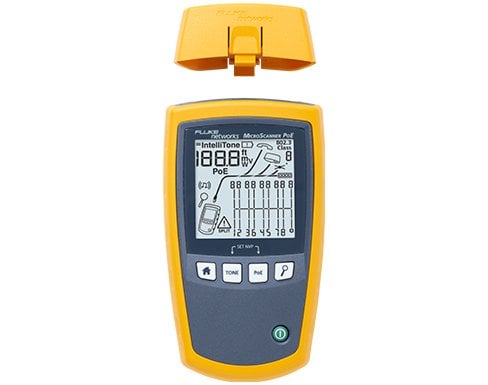
- Straightforward Interface – Graphical wiremap, length, cable ID, and distance to fault displayed on one screen
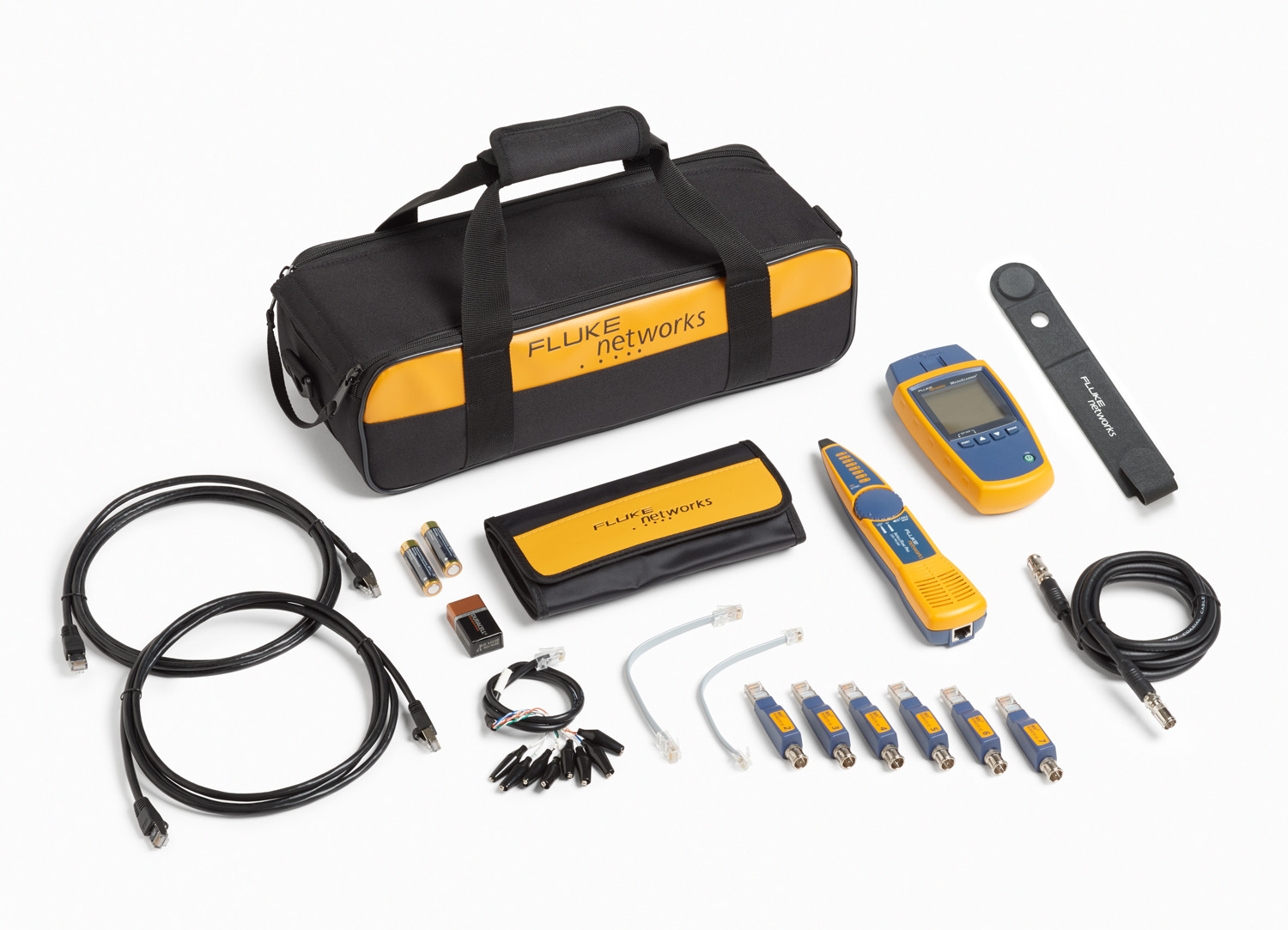
- Multimedia Support – Tests all common media types including RJ11, RJ45, Coax(MS2 only), with no need for adapters
- IntelliTone Toning – Trace virtually any cable or wire pair with IntelliTone digital and analog toning
- VDV Service Detection – Verifies today’s media services, including 10/100/1000 Ethernet, POTS, and PoE
- Oversized Display – Large, backlit LCD makes results crystal clear whether in bright sunshine or a dark closet
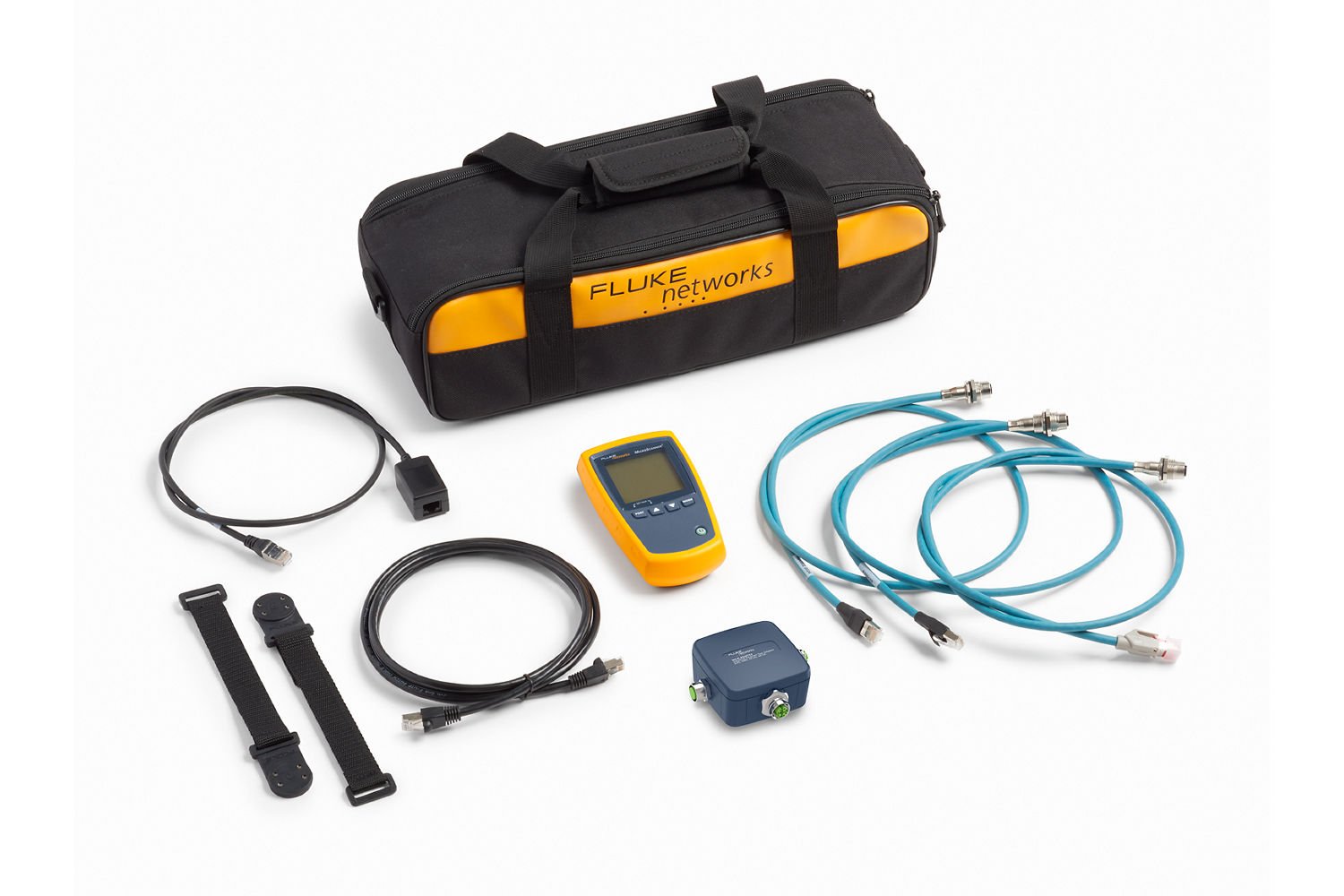
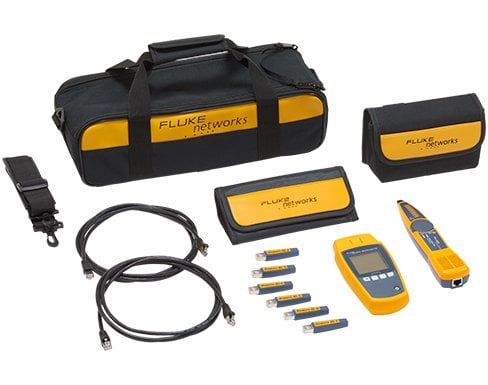
- Magnetic Strap (included in MicroScanner kits) - Allows technicians to keep their hands free and their tester safe from potential drops and accidents with strong rare earth magnet
PRODUCT NAVIGATION
Features
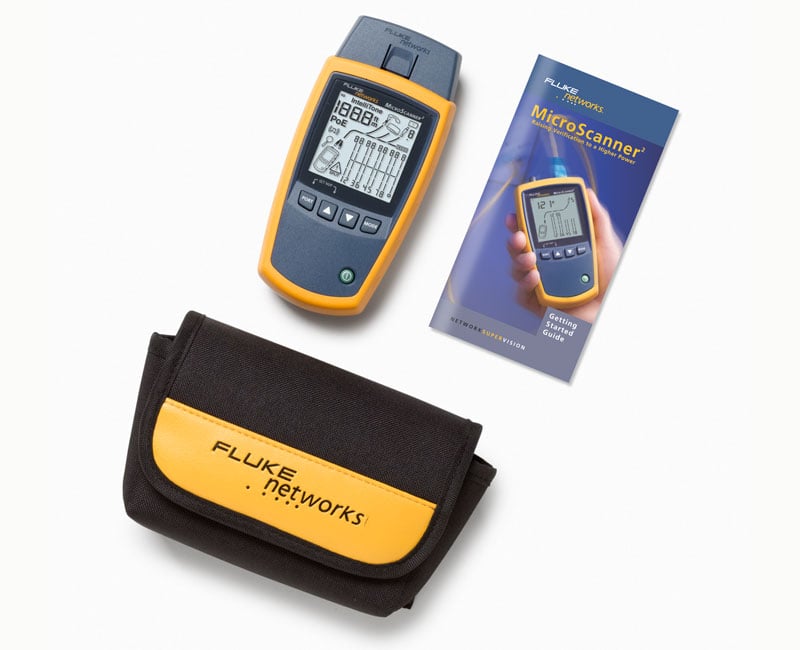
Yesterday’s cable verification testers force users to toggle between up to four different modes of operation to view all test results. This not only slows the test process, but also causes frustration and leads to high user error rates. MicroScanner2 has defeated this convention by displaying key test results – wiremap, pair lengths, distance to fault, cable ID, and far end device – all on one screen. Plus it features an oversized, backlit LCD screen with the power to display wiremap results graphically, which brings unprecedented comfort and clarity to the user experience.
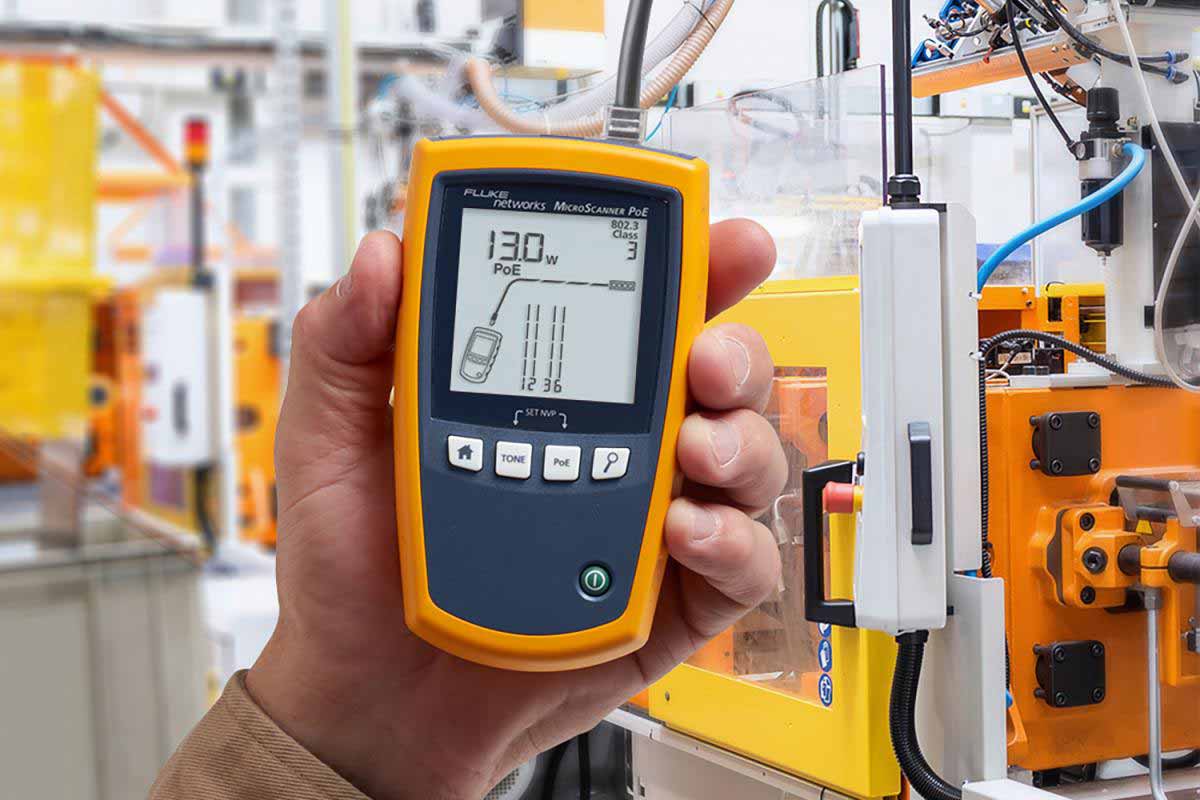
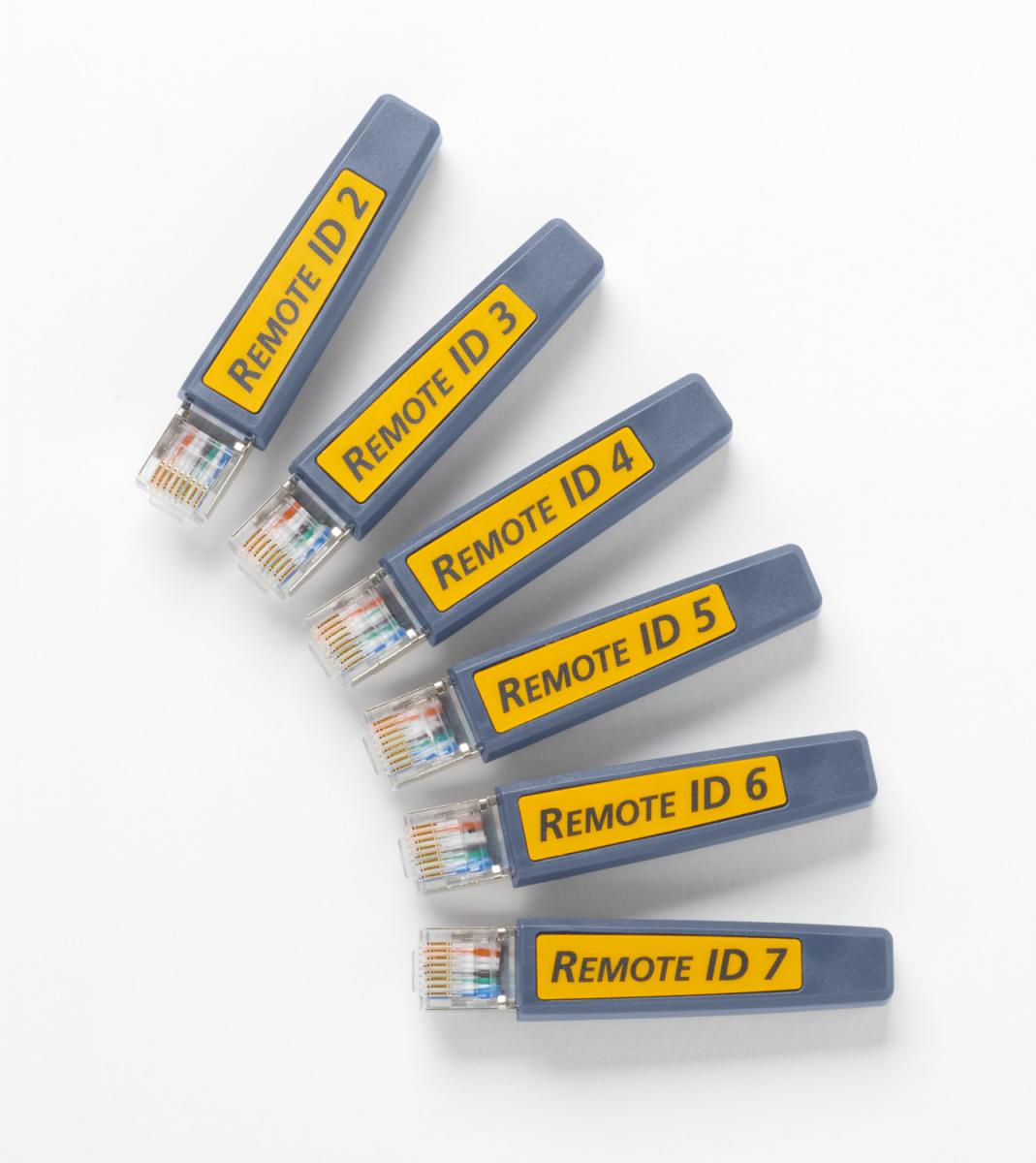
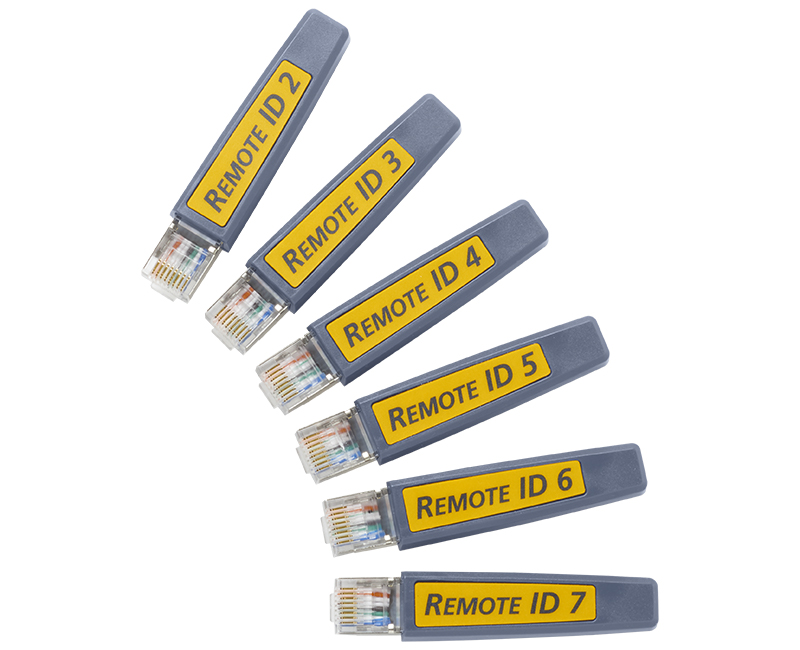
Tired of losing or breaking all the adapters needed for testing the various voice, data, and video media types? MicroScanner2 makes these awkward adapters things of the past with built-in RJ11, RJ45, and coax support. Both the main unit and the far-end identifiers can be used to test telephone jacks, Ethernet jacks, and CATV outlets right out of the box. Just one more way MicroScanner2 streamlines cable verification.
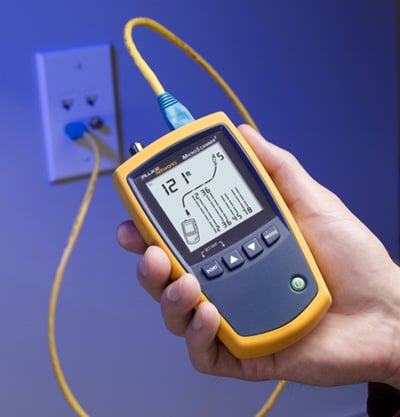
MicroScanner2 features built-in IntelliTone digital and analog toning to precisely locate virtually any cable or wire pair, regardless of work environment. Use digital mode to locate high-grade data cabling (Cat 5e/6/6a) in bundles, or at switches, patch panels, or wall outlets. Digital mode especially performs in environments with high data, RF, or electromagnetic interference. When coupled with the IntelliTone 200 Pro Probe, it can also be used to verify cable wiremap from either the tester end or the probe end.
Use analog mode on voice-grade cabling (Cat 3 and below), as well as coax, security/alarm, and speaker wiring. These cables are optimized for lower frequency transmissions, and therefore are more easily isolated with a low-frequency tone. MicroScanner2’s smart analog tone eliminates frustrating guesswork locating individual wire pairs during installations by changing songs each time the pair under test is shorted together. This provides technicians a decisive way to identify individual wire pairs before punching them down or when diagnosing voice transmission problems.
Voice, data, video technicians have a lot more problems to deal with than just the cabling. They have to rule out a whole host of potential cable and service issues before determining the cause of a connection problem. MicroScanner2 acknowledges this, giving technicians high power vision to detect today’s most common service problems. Detect the presence of POTS voltage and verify polarity. Verify powered 10/100/1000 Ethernet switches at the far end. Or, confirm proper PoE voltage and pairs.
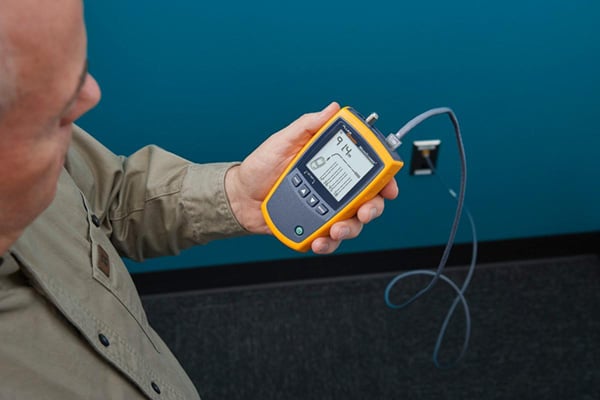
With all the abuse you put your tools through, you can’t afford for them to be delicate. MicroScanner2 features a rubber wrap-around holster that makes it the right tool for even the toughest jobs. Toss it into your toolbox. It can handle it. Plus, it now comes standard with a vinyl carry pouch for enhanced protection and convenience.
MicroScanner PoE cuts through the confusion of your PoE installation by providing swift and simple PoE verification. The tester detects the available PoE class (0-8) provided by the connected switch in accordance to the latest PoE standards and displays the voltage from passive PoE sources. This information keeps the technician informed on the installations capabilities and improves their work flow and reduces the time spent waiting for information about the connected switch.
Industrial environments are much harsher and more time sensitive than traditional IT environments. Connectivity failures can be caused by cabling faults can disrupt communications, resulting in production delays. Technicians need to rule out a whole host of cable and service issues before determining the cause of a connectivity problem. Where is the cable broken? Are all the wires properly terminated? Is there a switch at the far end? Is PoE available? The MicroScanner Series provides technicians the vision to troubleshoot these issues and get production back up and running.
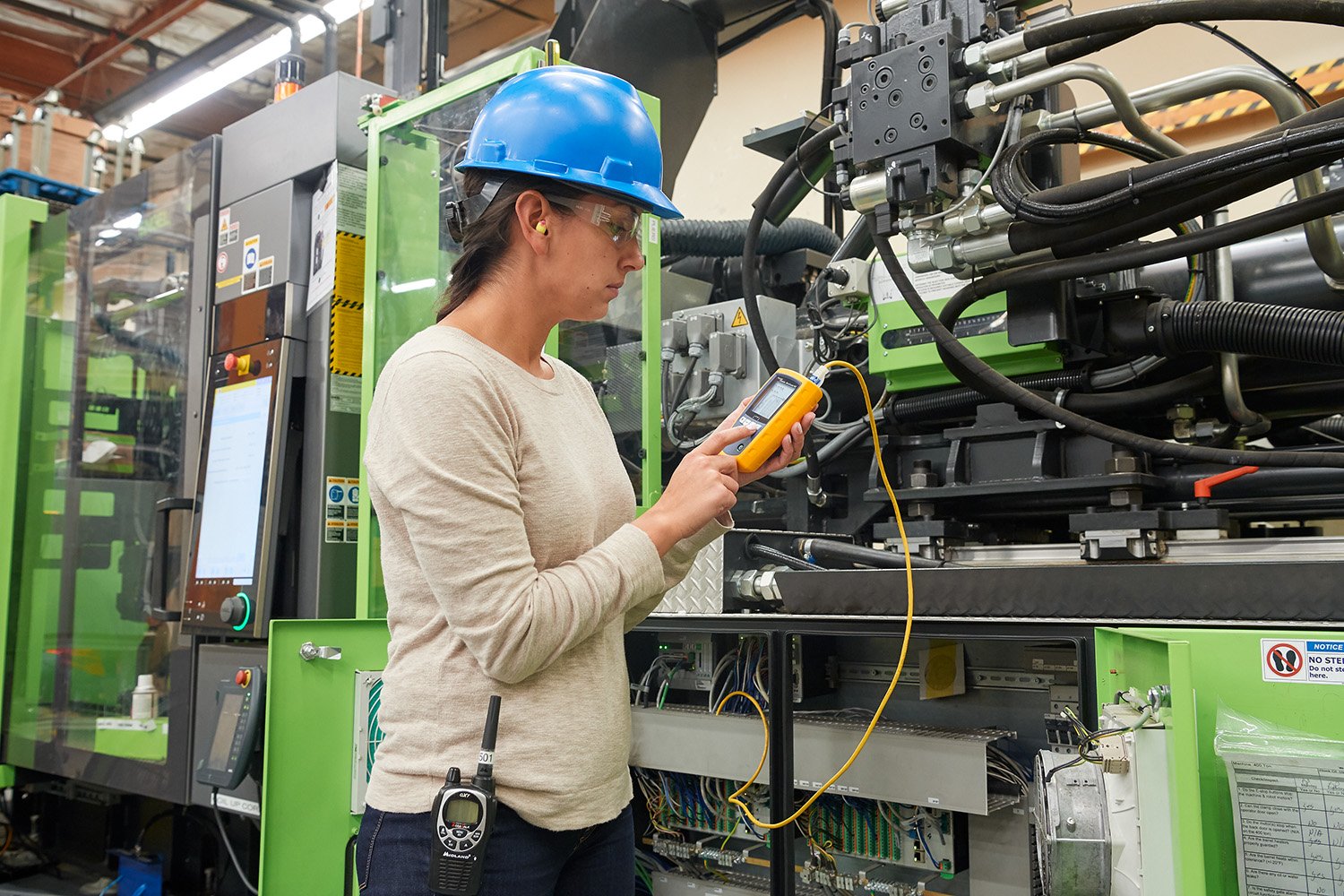
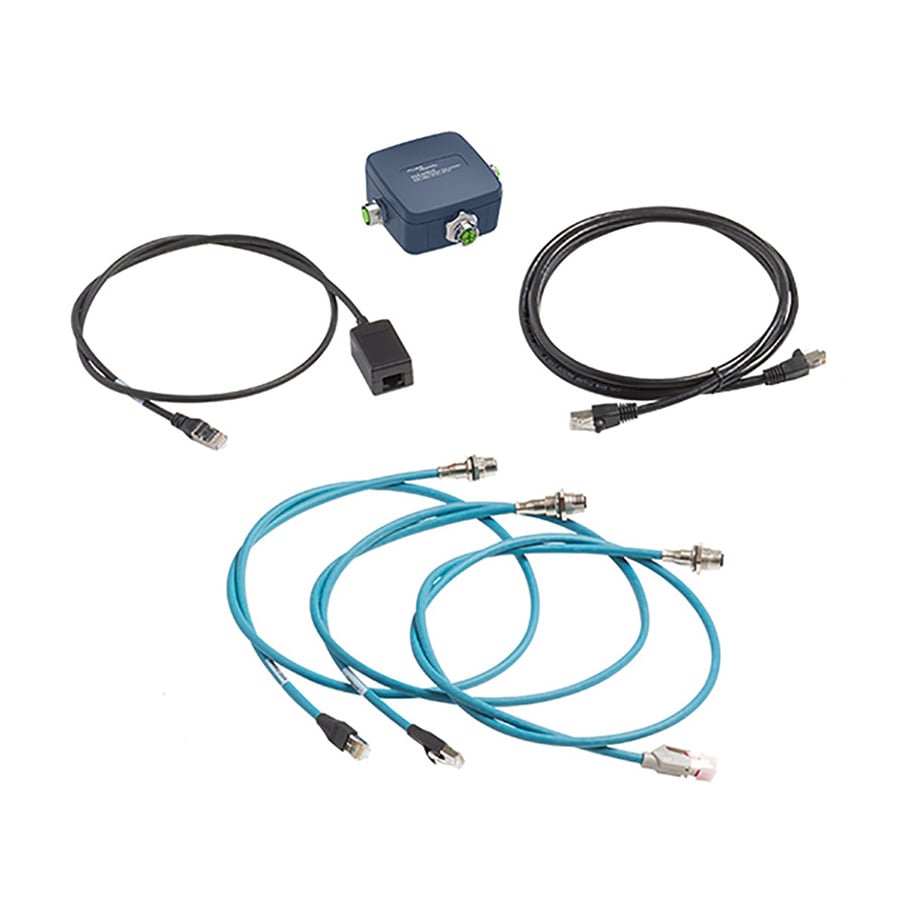
The MicroScanner™ Series Industrial Ethernet kits allow technicians to perform continuity tests on RJ45, M12X, M12D, and M8D terminated cables in seconds and displays results graphically so you can see wiremap, pair lengths, distance to fault, cable ID, and if the cable is connected to a far-end device. Cable failures result in costly production downtime so it’s important to quickly identify where the cable is broken so it can be replaced or repaired.